

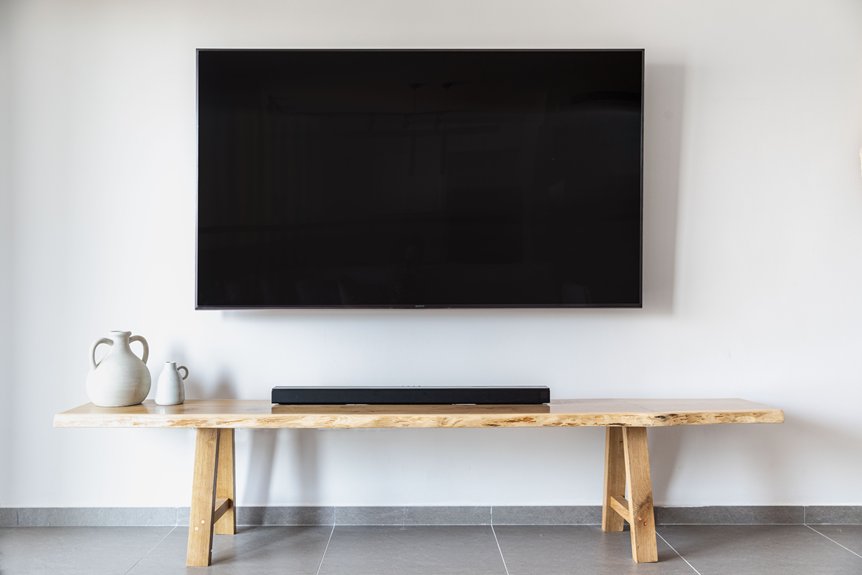
Mount your bedroom TV about 56 inches from the floor for 43–55 inch screens. Since you’re reclining rather than sitting upright like in living rooms, position the center 8–14 inches above your eye level when lying down; typically 26–36 inches high. This prevents neck strain and reduces eye fatigue during extended viewing. Measure your actual reclined eye height first, then use cardboard mock-ups to test before drilling. Room size, dresser height, and viewing distance all shift this target, so testing saves money and future adjustments.
How Does Bedroom TV Mounting Differ From Living Rooms?
1. Height Positioning Differs Based on Seating Position
Living rooms target eye level while you’re seated upright, around 38 to 48 inches high. Bedrooms work differently because you’re in a reclining position with pillow support, so your viewing angle changes. This means I’d position the center height 8 to 14 inches above true horizontal instead.
2. Accounting for Your Viewing Distance
Your bedroom’s smaller viewing distance matters too. I’d choose a 43–55 inch TV to avoid overwhelming the space. A tilting mount becomes essential when mounting higher on walls, letting you angle the screen downward for comfort.
3. Positioning for Multiple Angles
Unlike living rooms with one primary sightline, bedrooms require flexibility. I’d consider various reclining positions you’ll use throughout the day.
How Should You Measure Your Reclined Eye Level?
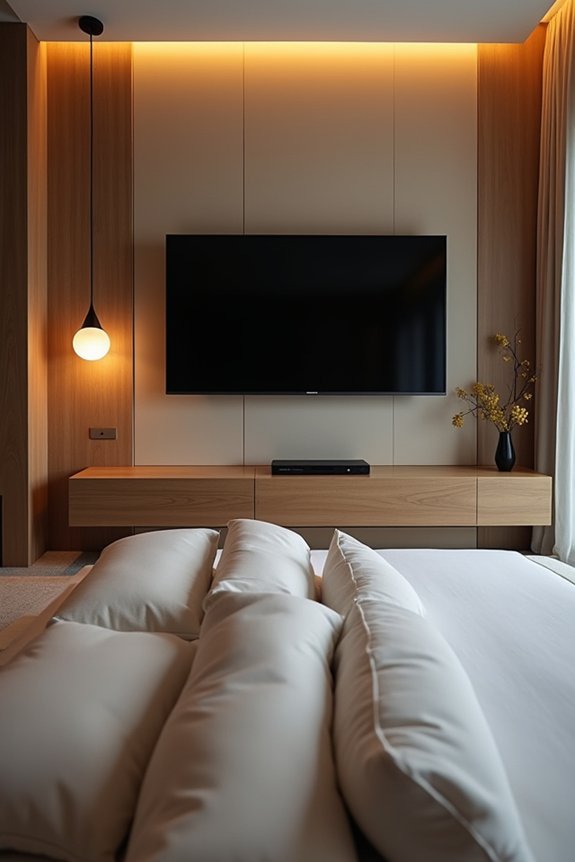
How Should You Measure Your Reclined Eye Level?
Now that you understand how bedroom viewing differs from living rooms, you’ll need to find your own reclined eye level before you mount anything.
1. Measure Your Reclined Eye Height
Lie back in bed using your normal sleeping posture. Use a tape measure to find the vertical distance from the floor to your eyes. Most people measure between 26 and 36 inches depending on bed height and body size.
Lie back in your normal sleeping posture and measure from floor to eyes. Most people fall between 26 and 36 inches.
2. Test Your Bed Viewing Position
Try measuring from different angles. Rest your head on a pillow, then slightly raise it. This testing from multiple angles helps you find what feels comfortable. Your eye-height distance should work well in both positions.
3. Account for Two Viewers
Sharing a bed with someone? Average both people’s reclined eye heights. This creates a compromise eye level that works for everyone viewing together.
Why Mount Bedroom TV 8–14 Inches Above Eye Level?
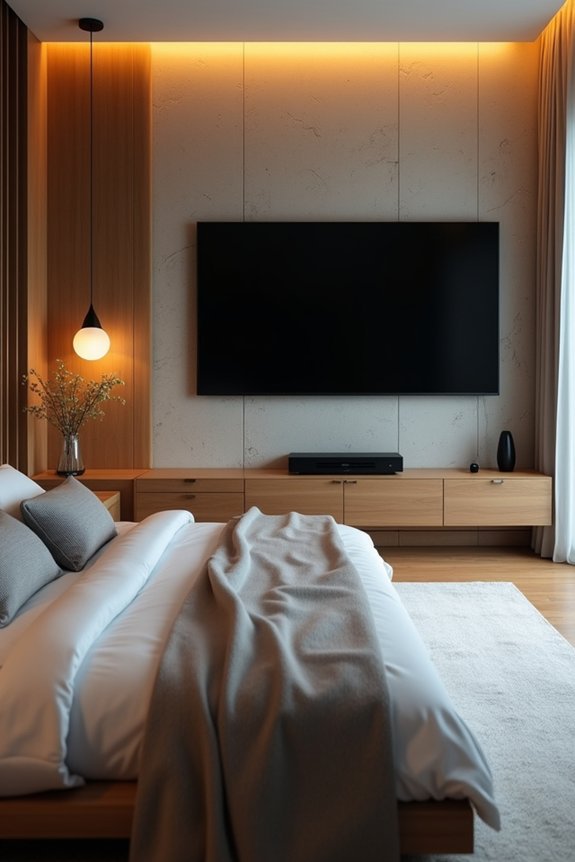
Why Mount Your Bedroom TV 8–14 Inches Above Eye Level?
Mounting your TV 8–14 inches above eye level matters because this offset reduces discomfort and improves your viewing experience while reclining in bed.
When you’re lying back, your natural viewing angle tilts slightly upward. Without proper height adjustment, you’ll strain your neck constantly. The 8–14 inch offset aligns your TV center with this natural gaze pattern, keeping your head relaxed.
| Reclining Height | Eye Level | Recommended TV Center | Offset |
|---|---|---|---|
| 26–36 inches | Measured upward | 34–50 inches | 8–14 inches |
| Low bed position | Lower gaze | Adjust downward | Reduce offset |
| High bed position | Higher gaze | Adjust upward | Increase offset |
| With tilting mount | Flexible angle | Add downward tilt | Maximize comfort |
Consider using a tilting mount. It complements this offset well, optimizing your neck and head posture for extended viewing sessions. The combination of proper height and adjustable angle works together to keep you comfortable while watching.
How Room Size and Ceiling Height Affect Mounting Height
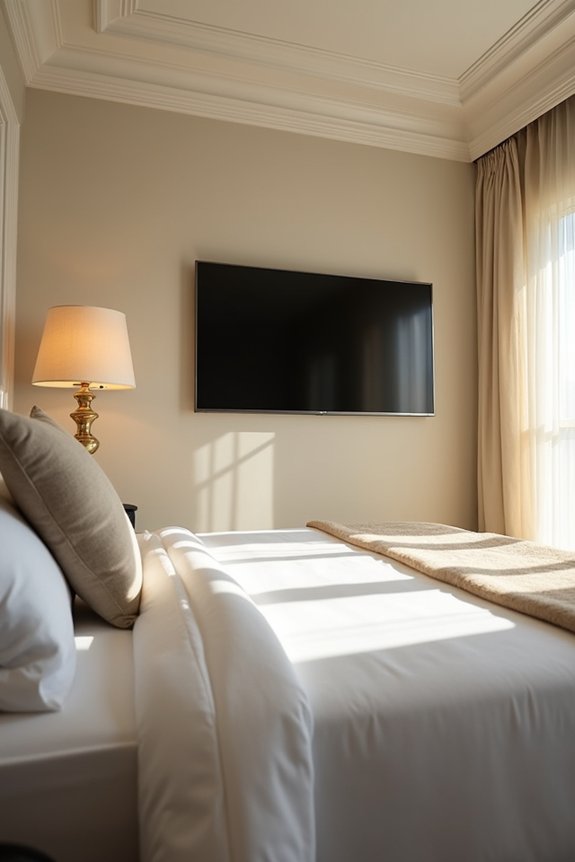
Does your bedroom feel cramped or spacious? Your room’s size and ceiling height directly impact where you’ll mount your TV.
1. Compact Bedrooms Need Lower Mounting
In smaller rooms, mount your TV lower; around 42 to 50 inches from the floor works well. Your seated eye level is closer to the screen, so higher mounting creates an uncomfortable viewing angle. Smaller to mid-sized TVs work best here, matching your room’s proportions without oversizing.
2. Taller Ceilings Allow Higher Placement
Spacious bedrooms with higher ceilings let you mount your TV higher while maintaining visual balance. This prevents awkward gaps and uses your wall space efficiently. Use cardboard mockups or AR tools to test mounting height before drilling, so your seated eye level aligns comfortably with the screen.
How Dressers and Bed Position Change TV Placement
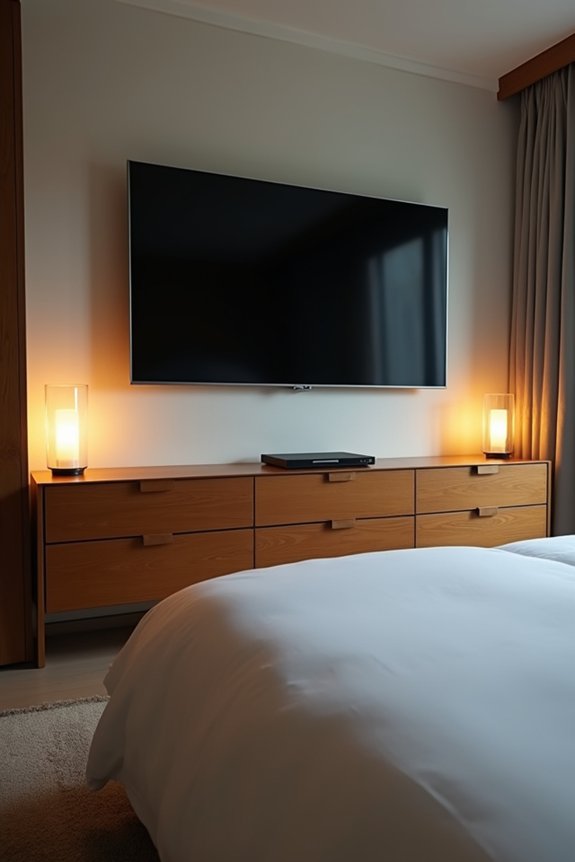
Your bedroom layout, particularly where your dresser and bed sit, plays a big role in deciding your TV’s perfect height.
Your bedroom’s layout—especially dresser and bed placement—is crucial for determining optimal TV height.
1. Dresser-Mounted Setups
When you mount your TV above a dresser, the center height typically lands between 46 to 58 inches from the floor. Your dresser itself raises the TV considerably, so you’re working with limited wall space below. The bottom edge usually sits around 32 to 42 inches up. This elevated position requires careful planning for comfortable bed viewing.
2. Adjusting for Eye Level
From your reclined position in bed, you’ll want the screen’s center roughly 8 to 14 inches above true horizontal. A slight tilt of 5 to 10 degrees downward compensates for the higher mounting. This angle reduces neck strain during extended bed viewing and improves your overall comfort. Consider your viewing distance too; it affects whether this height works well for your room.
How Far Should Your Bed Be From the TV?
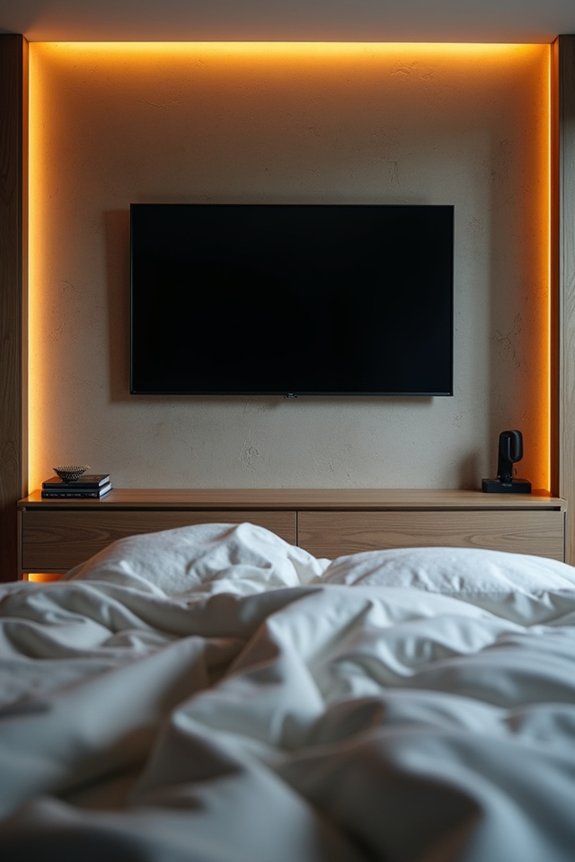
How Far Should Your Bed Be From the TV?
The distance between your bed and TV matters more than you might think.
1. Finding Your Ideal Viewing Distance
Most bedrooms work best with 6 to 8 feet between your bed and television. This range lets you see the screen comfortably without straining your eyes. At this distance, your reclining eye level stays naturally positioned. You’ll avoid neck pain from looking too far up or down.
2. Screen Size and Distance Balance
Shorter distances support 43 to 55 inch TVs perfectly. Larger screens at close range feel overwhelming. You’d need to move your eyes constantly to follow the action. The center of the screen should align with your reclining eye level.
3. Adjusting Your Mount Height
Position your TV’s center 42 to 60 inches from the floor. Add a slight tilt angle (5 to 10 degrees) if furniture raises it. This keeps your reclining eye level comfortable and reduces neck strain during viewing.
What Size Bedroom TV Works Best for Your Layout?
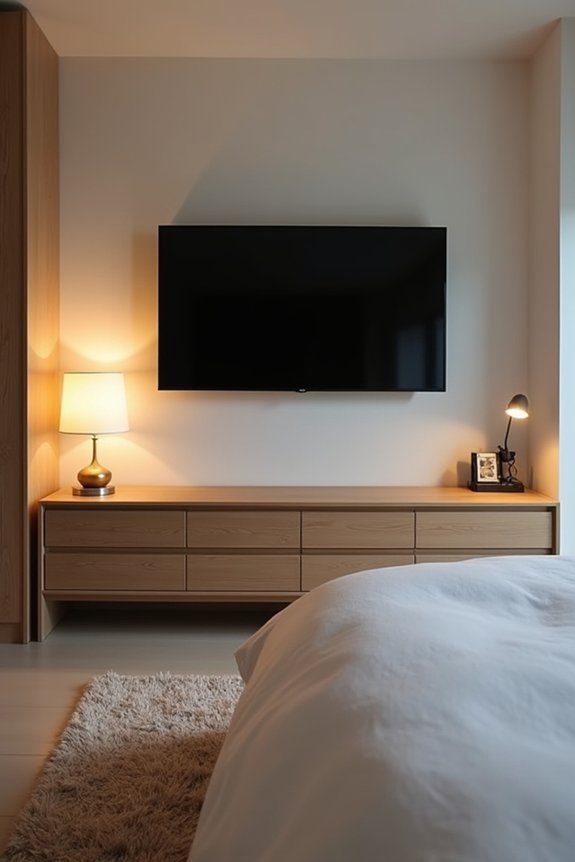
I’ll help you find the right TV size for your bedroom by considering your room’s dimensions, how your furniture’s arranged, and where you’ll be watching from. Your bedroom’s layout, including its size and what furniture sits in it, directly affects which TV size will feel comfortable and look balanced. Let me walk you through how to match your space with the ideal screen size so you’re not straining your neck or feeling overwhelmed by an oversized display.
Room Dimensions And TV Size
How far do you sit from where you’ll mount your TV? Your viewing distance directly shapes the ideal screen size for your bedroom layout.
| Viewing Distance | HD TV Size | 4K TV Size |
|---|---|---|
| 6–8 feet | 43–50 inches | 43–55 inches |
| 7 feet | 56 inches | Up to 84 inches |
| Close range | Smaller screens | Avoid oversizing |
Match your TV size to your room dimensions. Larger screens in cramped spaces feel overwhelming and strain your neck. Smaller bedrooms work best with 43–50 inch models for comfortable HD viewing at typical distances.
For 4K content, you can go bigger without discomfort. Position your wall mount height so the eye level aligns with the screen’s center, accounting for reclined viewing angles. This approach maximizes your investment while creating a balanced bedroom environment that works for your space.
Furniture Layout Considerations
Where You Place Your Bedroom Furniture
Where you place your bedroom furniture shapes everything about your TV setup. If you’ve got a dresser below your TV wall, you’re working with specific constraints. Your dresser height typically puts the TV center around 46–58 inches high. A tilting mount works well here. It lets you aim downward comfortably without straining your neck during those relaxing moments.
Bed-Centric Layout Benefits
A bed-centric layout works best when your screen sits slightly above eye level while seated or reclining. This positioning feels natural and reduces fatigue. Your viewing distance and wall clearance determine which TV size fits your room. Larger screens at lower centers feel proportional for reclining viewers.
Consider your dresser height and available wall clearance together. This balanced approach avoids oversized purchases while maximizing comfort and enjoyment.
Viewing Distance And Comfort
Your viewing distance—how far you sit from the TV—is the single most important factor in choosing the right screen size.
1. Finding Your Ideal Distance
Measure the space between your bed and the wall where you’ll mount the TV. Most bedrooms sit 6 to 8 feet away, which works well for 43 to 55-inch screens. Avoid buying oversized TVs; a massive screen feels overwhelming at close range and wastes energy.
2. Matching Size to Viewing Angle
Your viewing distance determines comfort. For 4K TVs, multiply your distance by 1.0. For HD models, use 1.5. At 7 feet, you can comfortably watch up to an 84-inch 4K or 56-inch HD screen. Position the center height around 42 inches from the floor, aligning with your eye level when reclined.
Calculating Center Height for 43–55 Inch Screens
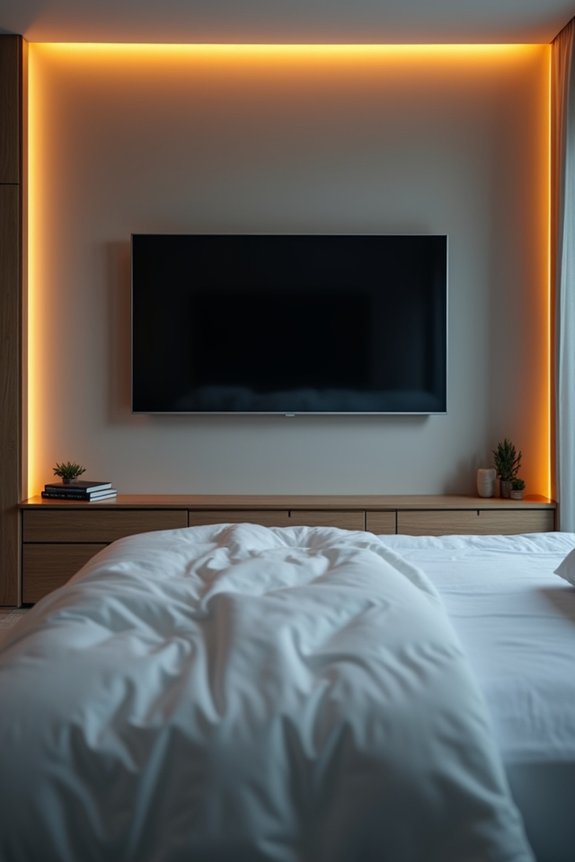
I’ll help you mount your 43–55 inch bedroom TV at the right height by finding your ideal center position. You’ll measure from your actual viewing spot, then use a simple formula to determine where the screen’s middle should sit on your wall. Let’s walk through the specific techniques and adjustments that make this calculation straightforward for your bedroom layout.
Eye Level Positioning Guidelines
Eye Level Positioning Guidelines
1. Finding Your Ideal Center Height
Start by measuring your floor-to-eyes distance while reclining in bed. This seated eye level becomes your baseline. Add 8 to 14 inches above that measurement to determine your ideal center height. This positioning reduces neck strain during extended viewing sessions.
2. Testing Multiple Seating Positions
Don’t rely on one spot alone. Test your reclining view from different seating positions in your bedroom. Sit on your bed, then try a chair nearby. Notice where your eyes naturally focus. Consistent comfort across multiple seating positions helps you identify the right center height for your 43 to 55 inch screen.
Measurement Techniques And Tools
What’s the best way to find your TV’s perfect height?
1. Measure Your Reclining Eye Level
Lie back in bed naturally. Have someone measure from the floor to your eye level. You’ll typically find this ranges between 26–36 inches. This reclining eye height becomes your measurement baseline.
2. Calculate Your Center Height
Add 8–14 inches to your reclining eye level measurement. This gives you your recommended mounting height. For most 43–55 inch screens, you’re targeting around 56 inches from the floor as a starting point.
3. Use the North Star Method
Sit in your primary viewing spot. Mark your eye level on the wall. Position the screen center slightly above this mark. This accounts for lying back comfortably.
4. Test Before Installing
Use cardboard cutouts or painter’s tape to simulate your screen’s center. View from multiple bed positions. Verify the tilt angle feels natural. This prevents costly mistakes and confirms satisfaction.
Room-Specific Height Adjustments
Your bedroom’s unique layout demands a tailored approach to TV height.
1. Calculate Your Reclining Eye Level
Start by measuring where your eyes naturally rest when you’re lying down. Most people’s reclined eye level sits between 26 and 36 inches from the floor. This measurement becomes your baseline for determining center height.
2. Add the Comfort Zone
Add 8 to 14 inches to your eye level measurement. This creates your target center height, which typically ranges from 46 to 58 inches for 43 to 55 inch screens. This adjustment accounts for your bed viewing angle and viewing distance.
3. Account for Furniture
If your dresser or wall placement puts the screen higher than ideal, install a tilt mount. This compensates for elevation while maintaining comfortable downward viewing angles. You’ll reduce neck strain and enjoy longer viewing sessions without discomfort.
Mounting Height for Larger Bedroom TVs (65–75 Inches)
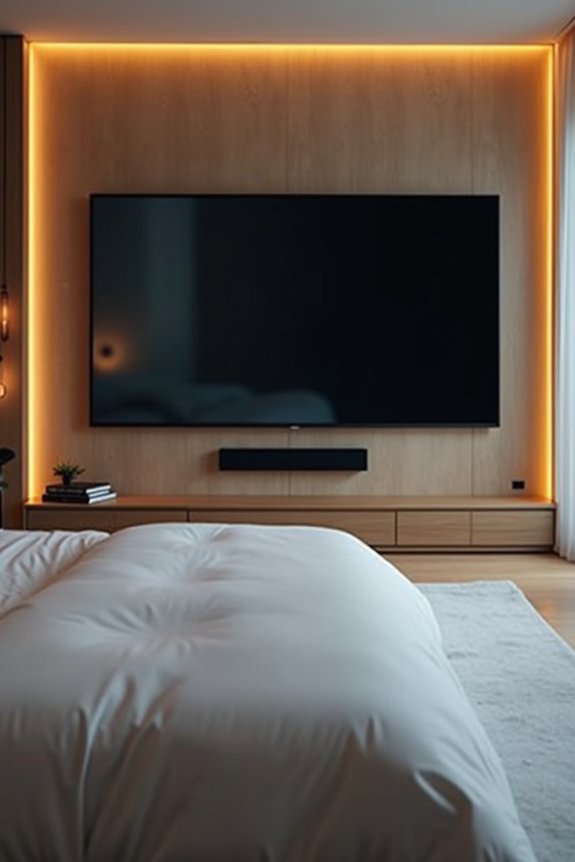
When you’re installing a 65–75 inch TV in your bedroom, finding the right height matters more than you might think. I’d recommend centering the screen between 46–58 inches from the floor, depending on your setup. This positioning balances eye level comfort with your viewing distance and bed height.
Finding the right TV height for your bedroom matters—aim for 46–58 inches from the floor for optimal comfort and viewing.
Key considerations for your larger bedroom TV:
- Viewing distance: At 7–8 feet away, aim for a slightly lower center height to reduce upward gaze and neck strain
- Tilt mount advantage: A tilting mount lets you position the screen comfortably while minimizing strain during reclined viewing
- Furniture placement: Mounting above dressers requires downward tilt capability to maintain neck comfort
This approach keeps you comfortable and saves space.
Should You Use a Tilting or Fixed Mount?
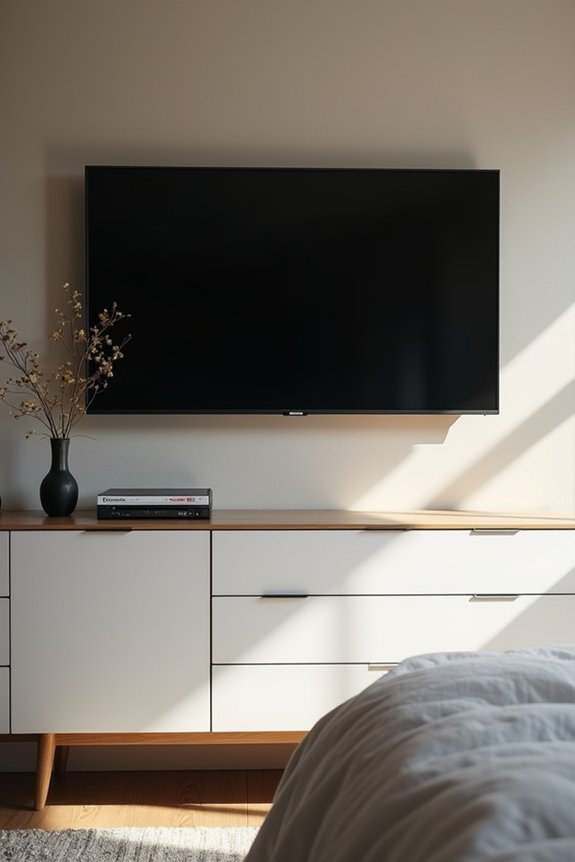
You’ll want to decide between tilting and fixed mounts based on your viewing habits and comfort needs. A tilting mount gives you flexibility to angle the screen downward, reducing neck strain when you’re watching from bed, while a fixed mount offers a cleaner look if you’ve calculated the perfect height for your reclined position. Let’s explore how adjustability and viewing angle trade off against each other.
Tilting Mounts For Comfort
Why does a fixed mount sometimes leave me craning my neck uncomfortably? When your bedroom TV sits high above eye level, you’ll strain to view it properly. A tilting mount solves this problem by letting you adjust your screen’s angle downward without repositioning the entire TV.
Here’s why tilting mounts enhance your bedroom setup:
- Reduces neck strain – A downward tilt aligns the screen with your seated or reclined eye level, eliminating uncomfortable viewing angles.
- Works with furniture placement – When your TV mounts above a dresser or tall furniture, tilting compensates for the higher bedroom TV height without additional installation work.
- Adds flexibility affordably – You gain viewing comfort and adjustment capability while maintaining a clean aesthetic at a lower cost than repositioning.
Fixed Mounts For Simplicity
If you’ve calculated your TV height perfectly for seated eye level, a fixed mount might be your best choice.
1. Clean Setup
A fixed mount offers sleek aesthetics without extra hardware. You’ll enjoy a streamlined look that complements your bedroom décor.
2. Stability and Savings
Fixed mounts cost less than tilting mounts and require no moving parts. This means fewer components to maintain or replace over time, saving you money long-term.
3. When Fixed Works Best
Choose a fixed mount when your seating position stays consistent. If you always watch from the same bed spot, a fixed mount delivers the proper viewing angle without adjustment.
4. Know Your Limitations
Unlike a tilting mount, you can’t modify your viewing angle. If you rearrange furniture or change seating positions, neck comfort may suffer from poor viewing angles.
Adjustability Versus Viewing Angle
The right mount type depends on how you’ll actually watch TV in your bedroom.
Understanding Your Mount Options
Consider your viewing habits when choosing between adjustable and fixed mounts. Here’s what matters:
- Single viewing position – If you watch primarily from bed at one angle, a tilting mount works well and costs less than full-motion options
- Multiple seating spots – Full-motion mounts suit you if you alternate between bed and a nearby chair, allowing both angle and direction adjustments
- Furniture height challenges – When dressers push your TV higher, tilting or full-motion mounts compensate by directing the screen downward toward eye level
Tilting mounts reduce neck strain effectively. Fixed mounts offer cleaner aesthetics when height calculations are exact. Full-motion mounts provide maximum flexibility. Choose based on your actual viewing angle, not what you imagine you’ll do.
Why Adjustable Mounts Offer Better Long-Term Comfort
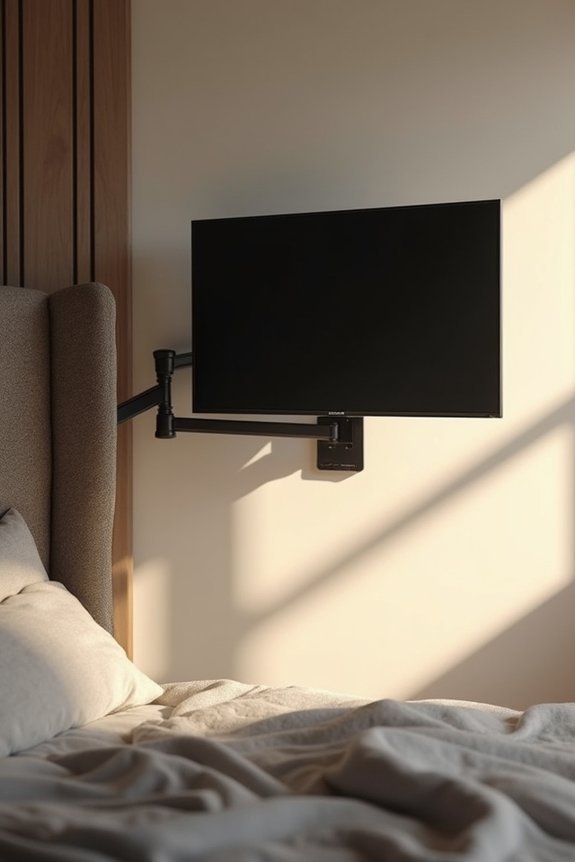
Have you considered what happens to your neck after months of watching TV from bed at a fixed angle? Adjustable mounts solve this problem by letting you fine-tune height, tilt, and full-motion positioning to match your reclining viewing posture. This flexibility reduces neck strain significantly over time.
1. Adapting to Your Comfort
Adjustable mounts accommodate multiple seating positions. Whether you’re lounging in bed or sitting in a secondary chair, you’ll maintain consistent eye level with the screen’s center.
2. Long-Term Savings
Motorized or gas-piston systems preserve flexibility as your habits change. You won’t need remounting, which saves money and effort. Testing angles before final installation helps you find your ideal position, maximizing comfort and durability while protecting your investment.
How to Mark and Test Your Mounting Height Before Installation
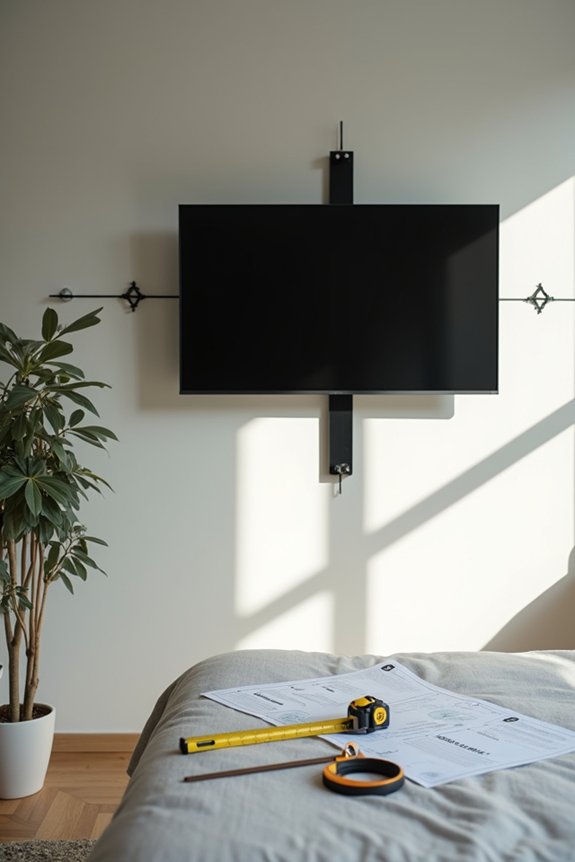
Where should your TV actually go on that bedroom wall?
Finding the perfect viewing height before you drill any holes saves money and prevents unnecessary wall damage.
1. Measure Your Seating Position
Use a tape measure to find your seated eye level from your bed. Mark this height on the wall as your reference point. This approach prevents neck strain during regular viewing.
2. Create a Mock-Up
Build a cardboard mock-up of your TV at different heights. Test viewing angles from your actual seating position before installation. This method lets you evaluate comfort and sightlines without committing to hole placement.
3. Use Technology
AR apps and marking tools can simulate your wall mounting with precision. They help you visualize the final result before you start installation work.
Testing your viewing height first means you’ll get comfortable placement right the first time. A few minutes of preparation now prevents costly adjustments later.
What Bedroom Mounting Mistakes Should You Avoid?
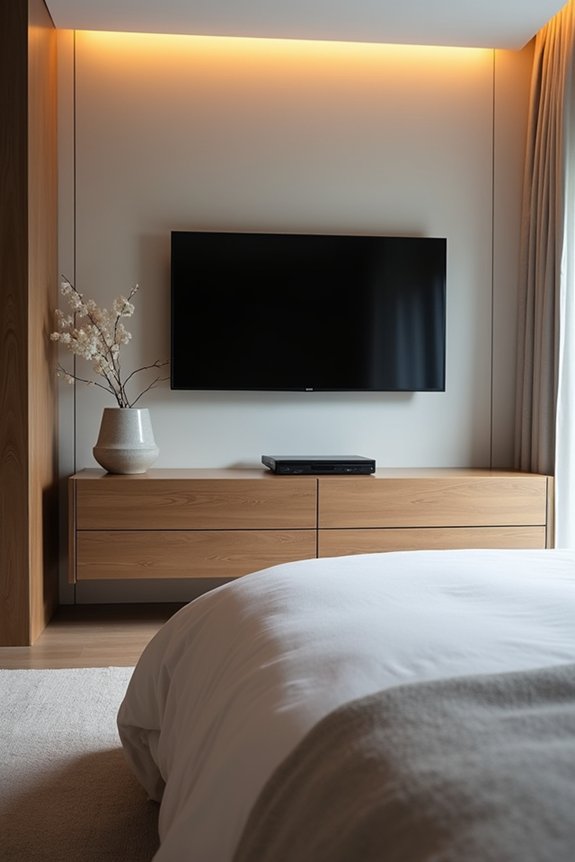
Bedroom Mounting Mistakes to Avoid
Even with perfect measurements and cardboard mock-ups, you can still make choices that leave you uncomfortable or require expensive fixes later.
1. Centering at Eye Level
Don’t mount your TV at standard eye level. You’ll recline in bed, so your reclining viewing angle differs from seated positions. This mistake creates neck strain and discomfort.
2. Ignoring Dresser Height
If your TV sits above furniture, use a tilting mount. This angles the screen downward, reducing neck strain significantly and protecting your comfort.
3. Overlooking Viewing Distance
Small bedrooms need careful consideration. A 43–55 inch TV works best for 6–8 feet of distance. Wrong sizing wastes money and creates eye fatigue.
4. Overcomplicating Mounts
Skip expensive full-motion mounts unless you have two distinct viewing angles. Single positions need simpler solutions, which saves money and installation hassle.